Fast Shipping
On All Items
30 Days Money
Guarantee
Customer Support
Excellent Service
100% Satisfaction
Satisfaction Guaranteed
We ship to US territories and worldwide. Please contact us if you have any special shipping instructions.
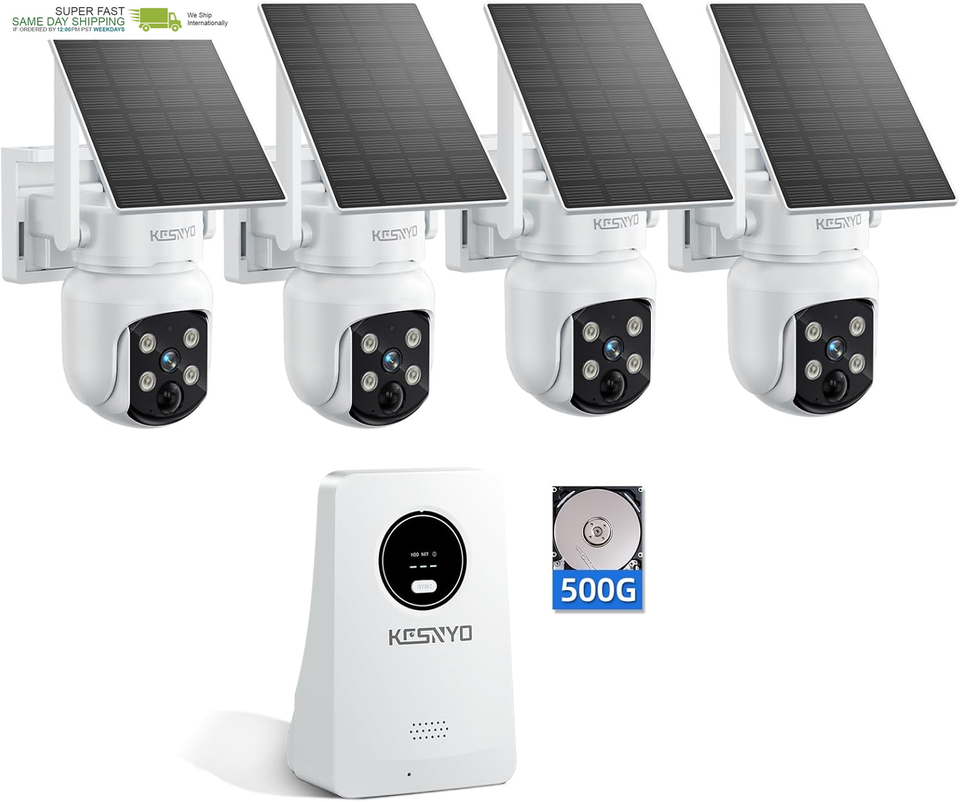
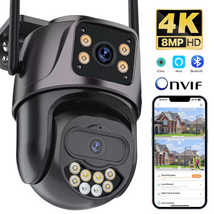
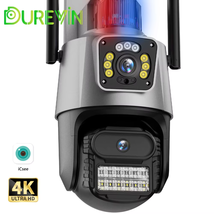
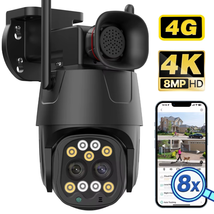
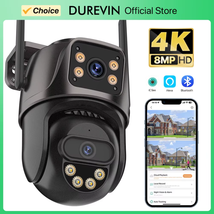
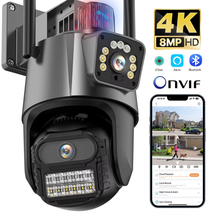
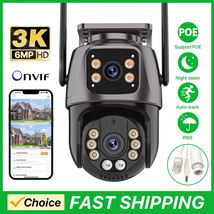
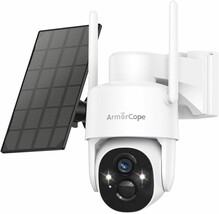
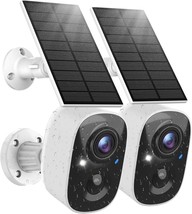
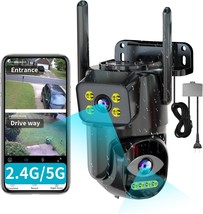
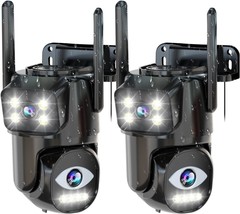
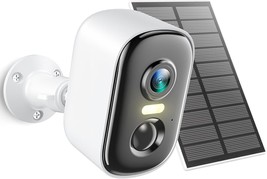
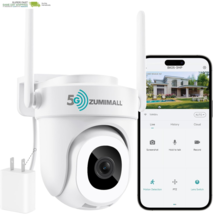
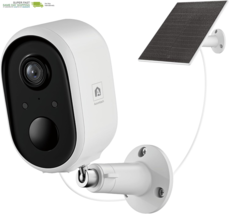
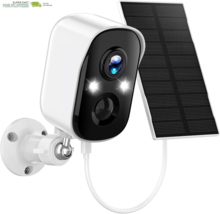
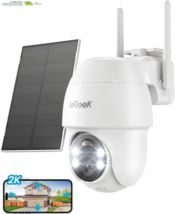
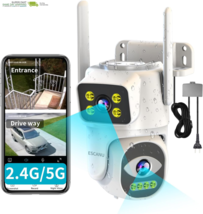
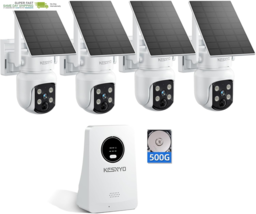
4MP Solar Powered, 4 Cam Kit, Color Night Vision, 360 PTZ, 500G HDD Local Recording, No Monthly Fees
Specification
Power Source
Solar Powered
Control Method
App, Remote
Night Vision Range
15 Meters
Audio Visual Recording Capabilities
Video
Low light technology
Starlight
Unit Count
4.0 Count
Batteries Required?
Yes
Wireless Communication Technology
Wi-Fi
Brand
KCSNYO
Viewing Angle
360 Degrees
Installation Type
Ceiling Mount/ Wall Mount
Alert Type
Audio and Motion
Package Dimensions
13.31 x 12.91 x 6.57 inches
Manufacturer
KCSNYO
Indoor/Outdoor Usage
Outdoor
Video Capture Resolution
1440p
Water Resistance Level
Waterproof
Item Weight
8.82 pounds
Effective Still Resolution
4 MP
Special Feature
Local Recording
Mounting Type
Ceiling Mount/ Wall Mount
Color
SP1-4D
Number of IR LEDs
4
Specific Uses For Product
360 Degree Coverage, Surveillance
Batteries
2 Nonstandard Battery batteries required. (included)
Recommended Uses For Product
Outdoor Security
12.91 inches x 13.31 inches x 6.57 inches. Weight: 8.82 lb
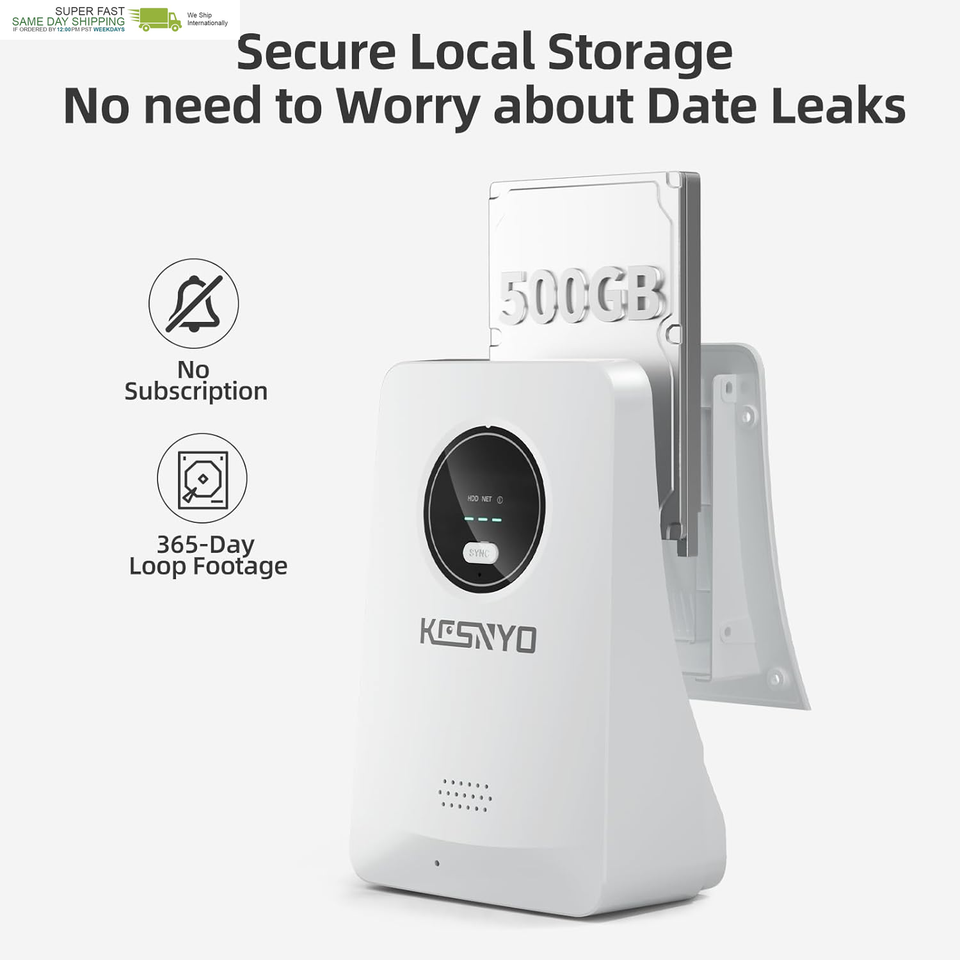
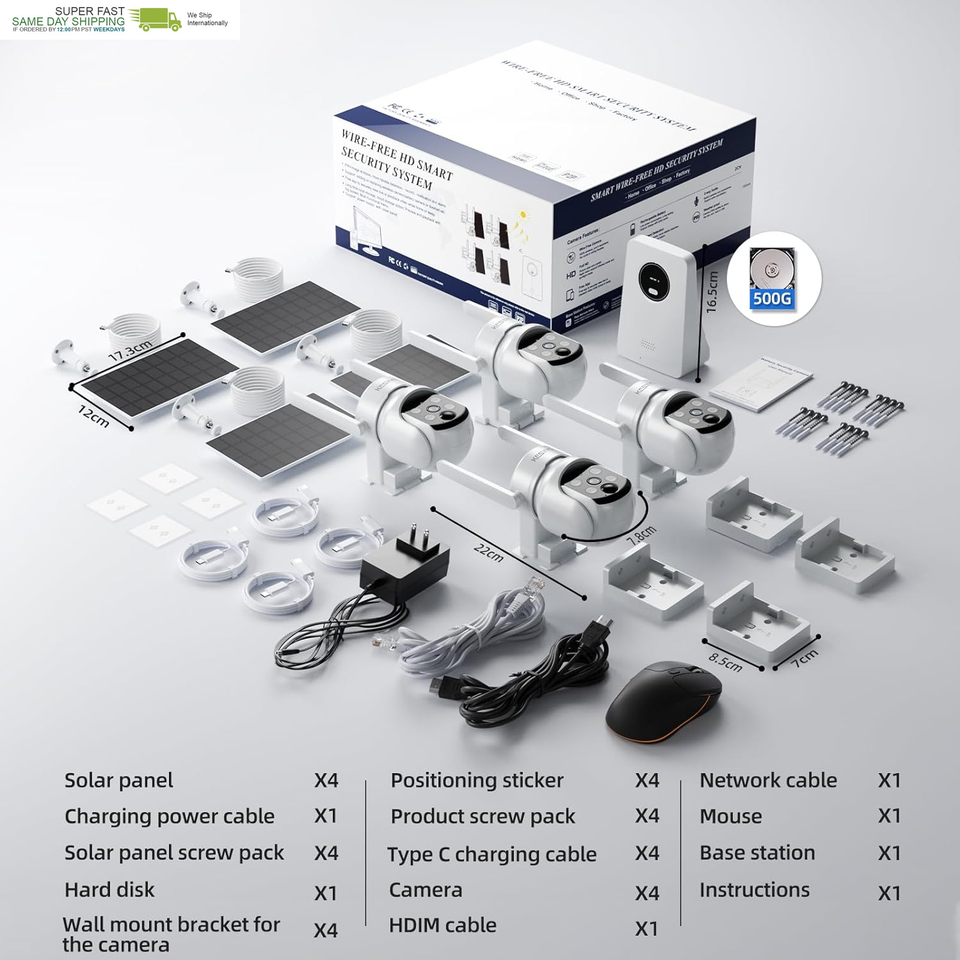
4-in-1 Base Station Kit: The KCSNYO base station kit with 1 base station and 4 outdoor solar powered cameras, base station with 500GB HDD capable of storing up to 12 months of cyclic recordings. The system can be expanded to support up to 10 cameras. All data is securely encrypted and stored locally, ensuring privacy and convenient access. The base station allows video output to a monitor, enabling flexible control via a mouse.
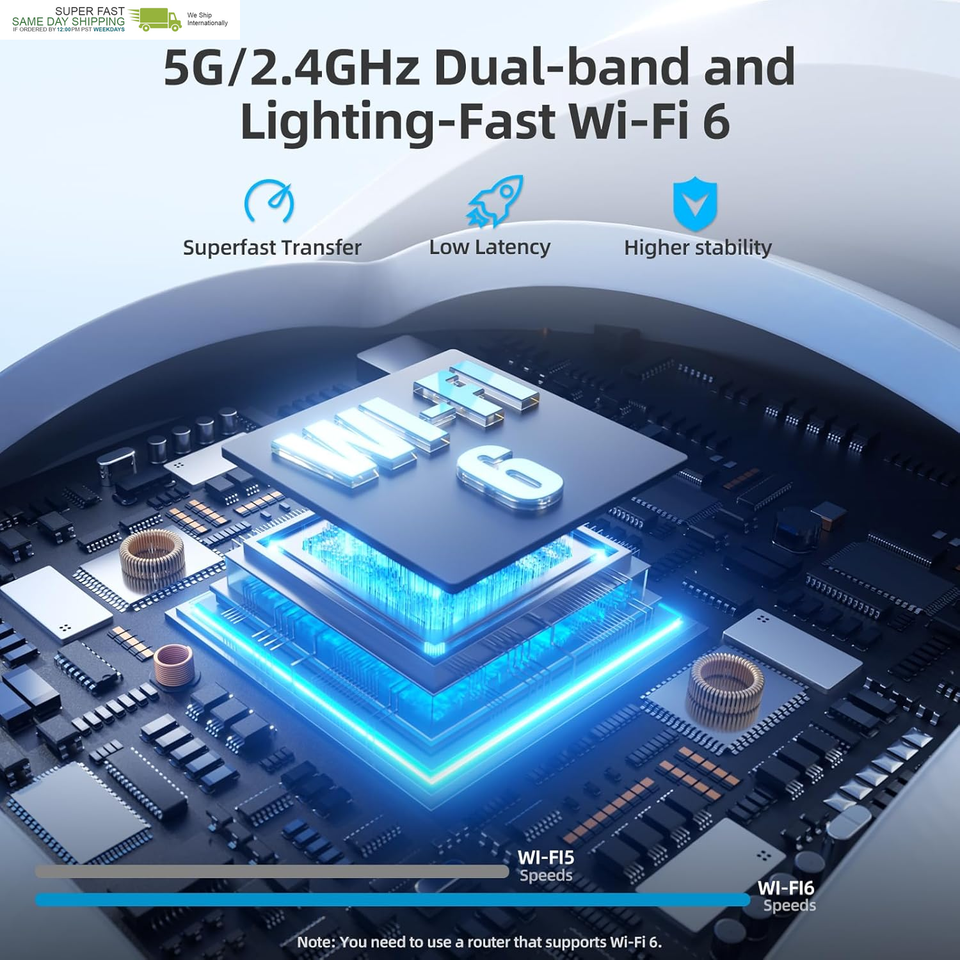
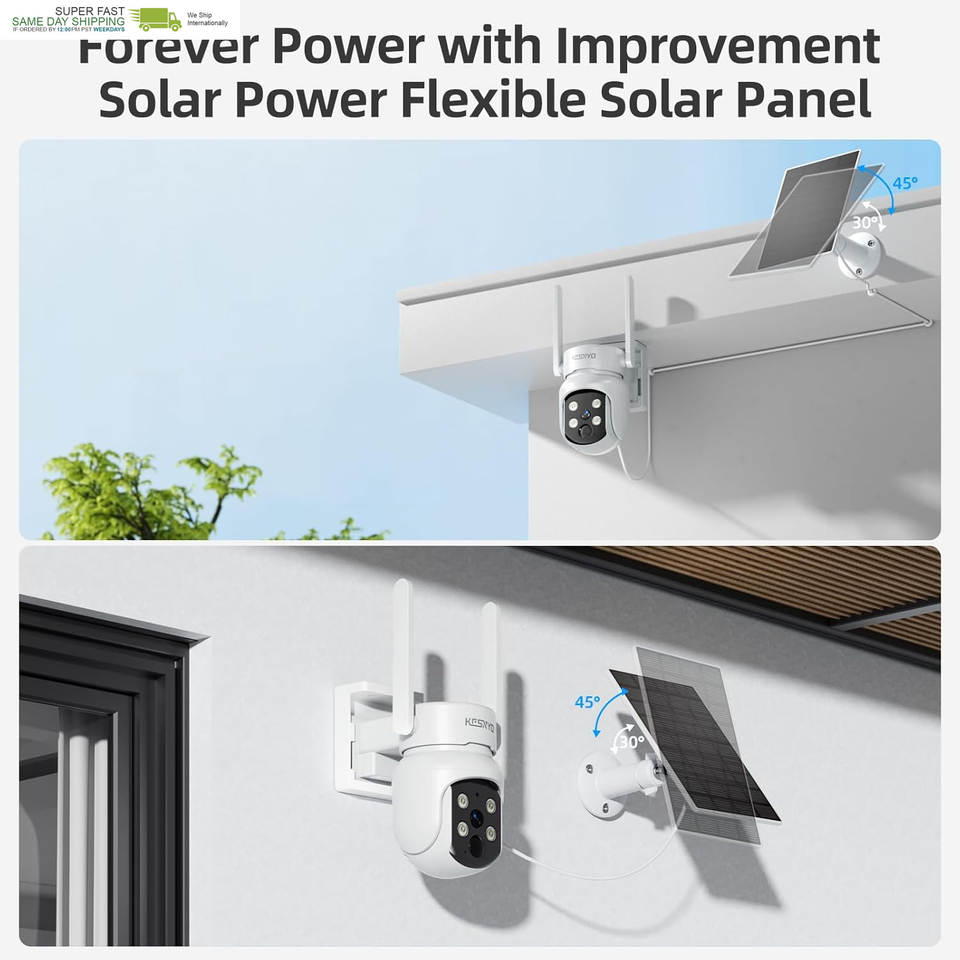
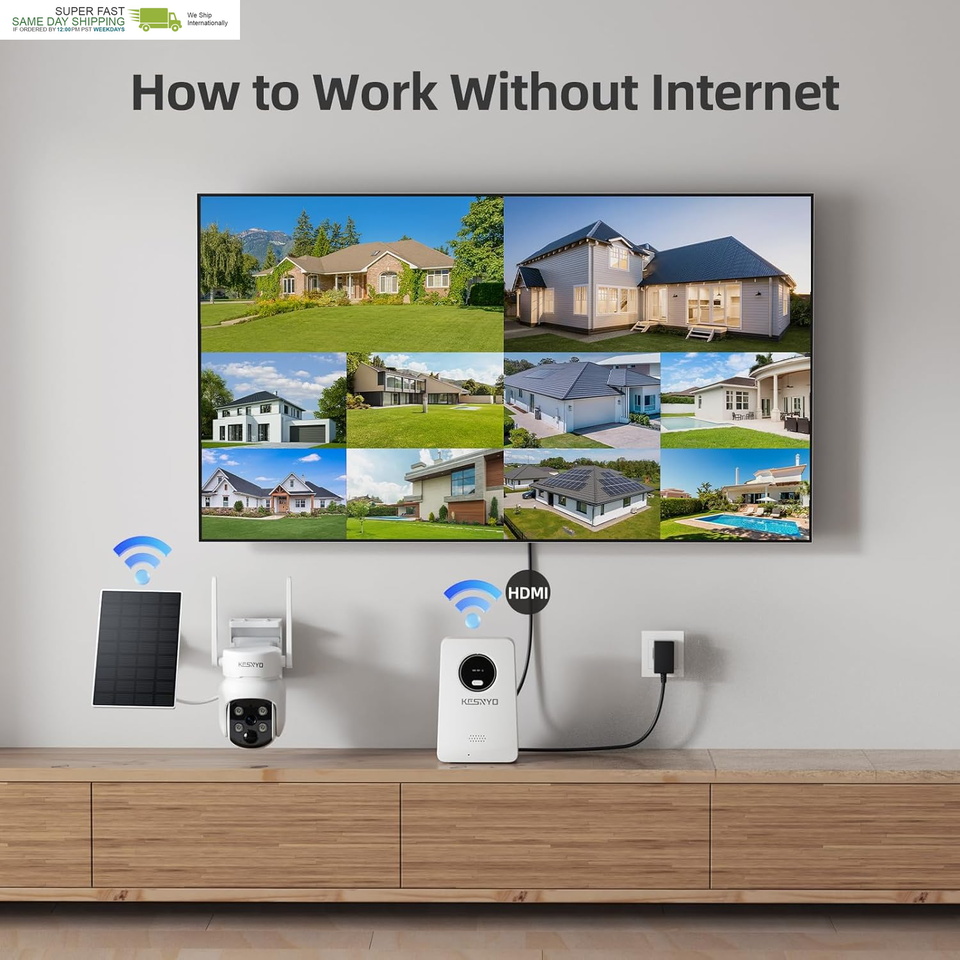
?????-???? ??????? ???? ??? ?????? ??-?? ??????????:The solar camera system eliminates the hassle of wiring. Separate solar panel can be installed independently, allowing for versatile positioning. Both camera and base station support dual-band (2.4G/5G) Wi-Fi, utilizing Wi-Fi 6 technology to significantly enhance connection stability and extend installation range. The base station kit supports offline monitoring; even without internet, the cameras can continue to function and store footage.
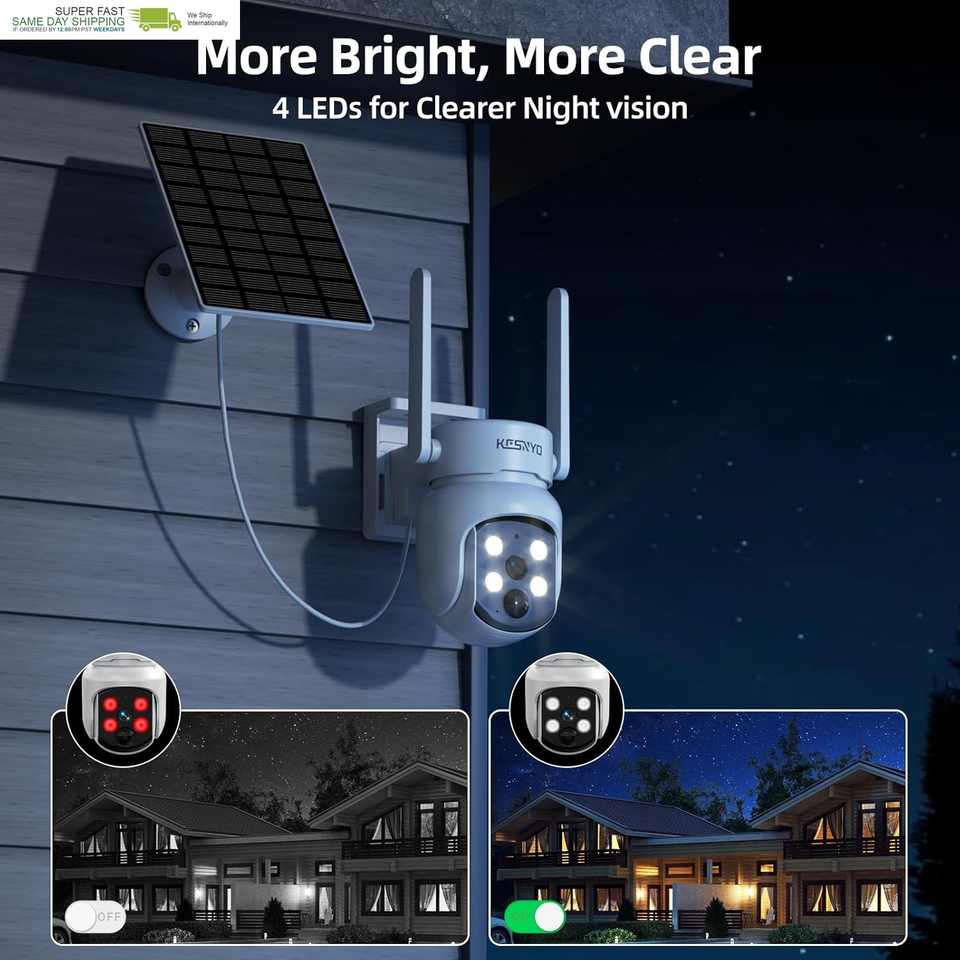
??? ??? ???????? ??????? ??? ????????? ????? ????? ??????: The solar-powered security cameras wireless outdoor features 4MP QHD resolution, capturing every moment with crystal-clear 2.5K clarity both day and night. Its advanced starlight sensor provides bright, color video even in low-light conditions, ensuring that no detail is overlooked. Equipped with four LEDs and spotlight capabilities, the solar camera outdoor wireless enhances visibility during nighttime surveillance.
????? ?????, ????-?????? ?? ?????? ??????: When motion detection triggers, wireless cameras for home security activates powerful spotlight and alarm simultaneously to deter intruders. This adds an extra layer of protection for your home, providing peace of mind and ensuring home safety.
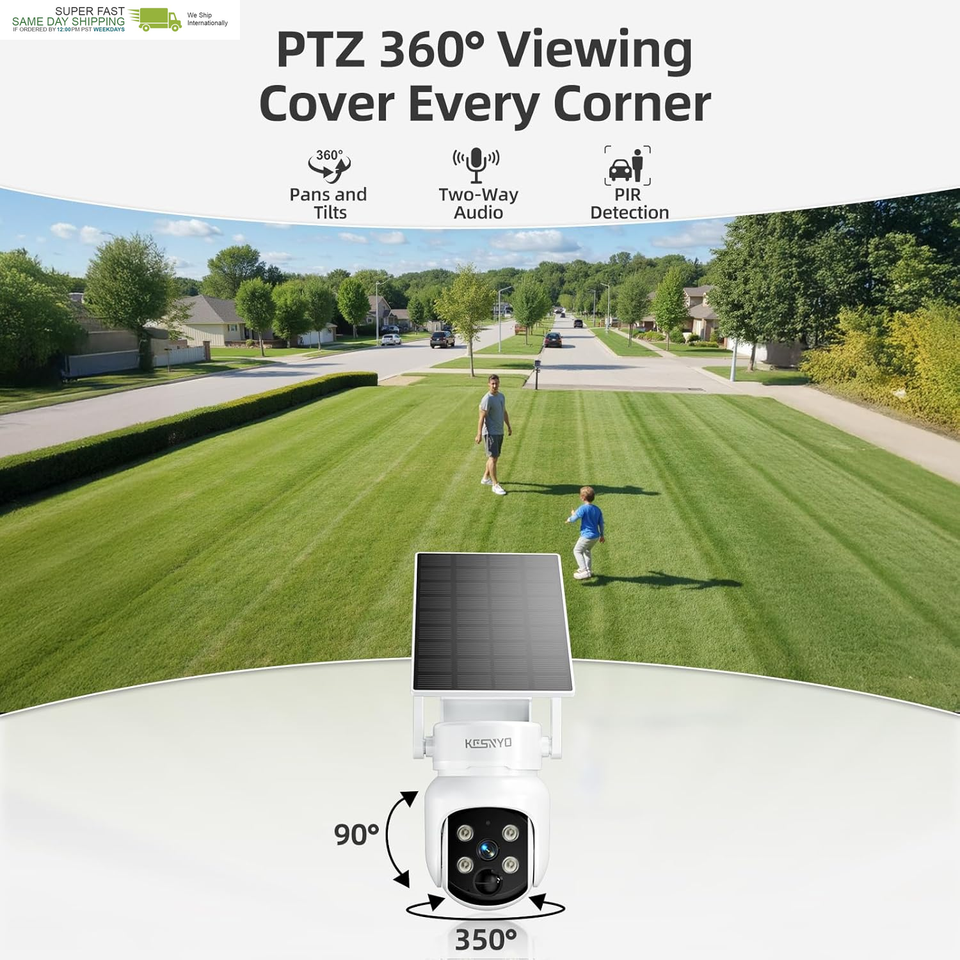
??? ??? ??? ???? ???????? ??? ???-??-???? ??????????: Designed for home security, the Pan and Tilt solar wireless security camera outdoor offers full 360 coverage, eliminating blind spots. Users can monitor all outdoor security camera from a single screen, enhancing visibility and control over their property like never before.
Product description
KCSNYO All-in-One Solar Security Camera System for Home Safety
How to play the Homebase Recordings?
Esee Cloud app-LIVE screen-Playback-Choose SD to View recordings(not the Cloud)
1 Wi-Fi 6 2 Protect Your Privacy 3 Dual Band WiFi 4 APP Sharing 5 Durable Performance
Homebase That Does More ? Stronger Signal, Wider Coverage
KCSNYO single camera-SP1 can be added to the Solar Camera System
1 Add on Phone App 2 Syn Kits on PC Software 3 Connect Kits with Monitor 4 Two Way Installation
How to view recordings on the Home Base? and how to turn off the Sleep mode?
Esee Cloud app-LIVE screen-Playback-Choose SD to View recordings(not the Cloud)
the camera can not directly turn off the sleeping mode.
If you need the camera work whole day, set all day recording. ( camera battery need more than 80% power)
How to Add the Camera on Phone app?
1. Reset the camera
2. Press the SYNC button on the base station for 3-5 seconds
3. The camera will beep"Matching code Succeed"
4. The base station will also beep "WiFi Matching Succeed"
5. Use the Esee cloud app to scan the code on home base
How to Add the Camera on Monitor?
1. Connect the base to the power adapter and power it on
2. Base connects the monitor via HDMI cable
3. Connect the USB port on the Base to a mouse and use the mouse to operate the Base system on the monitor.( kits package with a mouse)
How to Add the Camera on PC software?
1. download the PC software by user manual.
2. directly login the Esee cloud app as same as the phone app account
3. the camera system will syn to PC software.
PS: Mac with M chip can support
Does the Solar Camera System need buy Cloud to Recording?
No, after set the motion detection and all day recording, the recordings will be auto save on Home base. Do not need additional subscription.
SHIPPING
. We ship to US territories and worldwide. Please contact us if you have any special shipping instructions.
Return Policy
? We guarantee against any defective or misrepresented products. The original shipping label must be sent back to us to validate the return. A full refund can only be issued during the first 30 days upon receipt of the product.
? Returns will be voided if the product is mishandled or physical damaged by customer.
? Buyer will be responsible for all kind of return shipping/shipment to the seller for resolving the problem.
? Returns made for all non-defective, undamaged products are subject to a 15% restocking fee. Shipping and handling fees are absolutely non-refundable. If an item is returned to us due to an address issue, we do charge a reshipping fee to reship. If you would like a refund, there will be a 15% restocking fee applied.
? All returned products need to be assigned an RMA # (Return Merchandise Authorization #) prior to return. Please contact us through's messaging system to obtain an RMA# for the return. Any returned product without an RMA # on package will not be accepted or processed.
? Please contact us before returning.
Feedback
? We appreciate your feedback and our system will automatically leave feedback for you after bid ends.
? Please contact us through message center if you have any problems, we will always try our best for 100% customer satisfaction.
Payment Options
Shop With Confidence











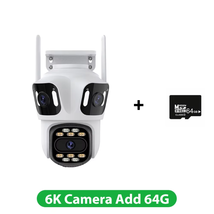
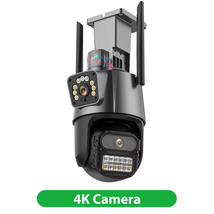
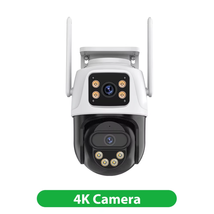
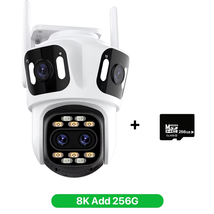



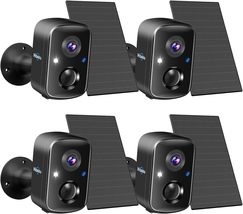




 4MP Solar Powered, 4 Cam Kit, Color Night Vision, 360° PTZ, 500G HDD Local Reco added to cart.
4 available in stock
4MP Solar Powered, 4 Cam Kit, Color Night Vision, 360° PTZ, 500G HDD Local Reco added to cart.
4 available in stock
 Please wait while we finish adding this item to your cart.


