


BL-FU240B Original Lamp W/Housing For Optoma and 50 similar items
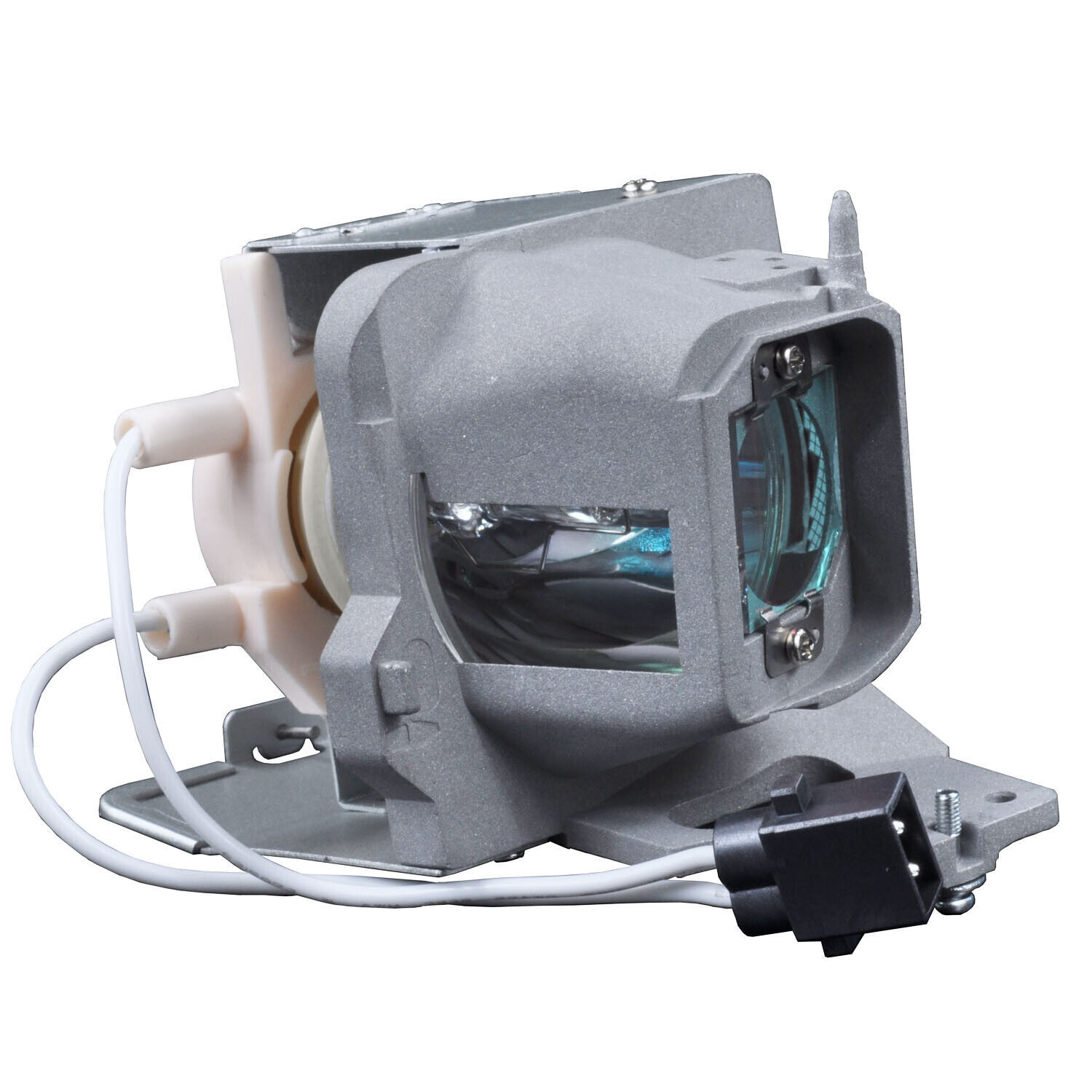
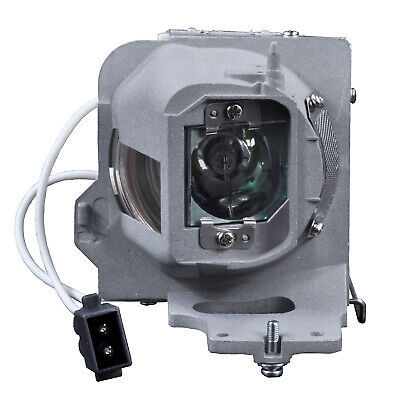
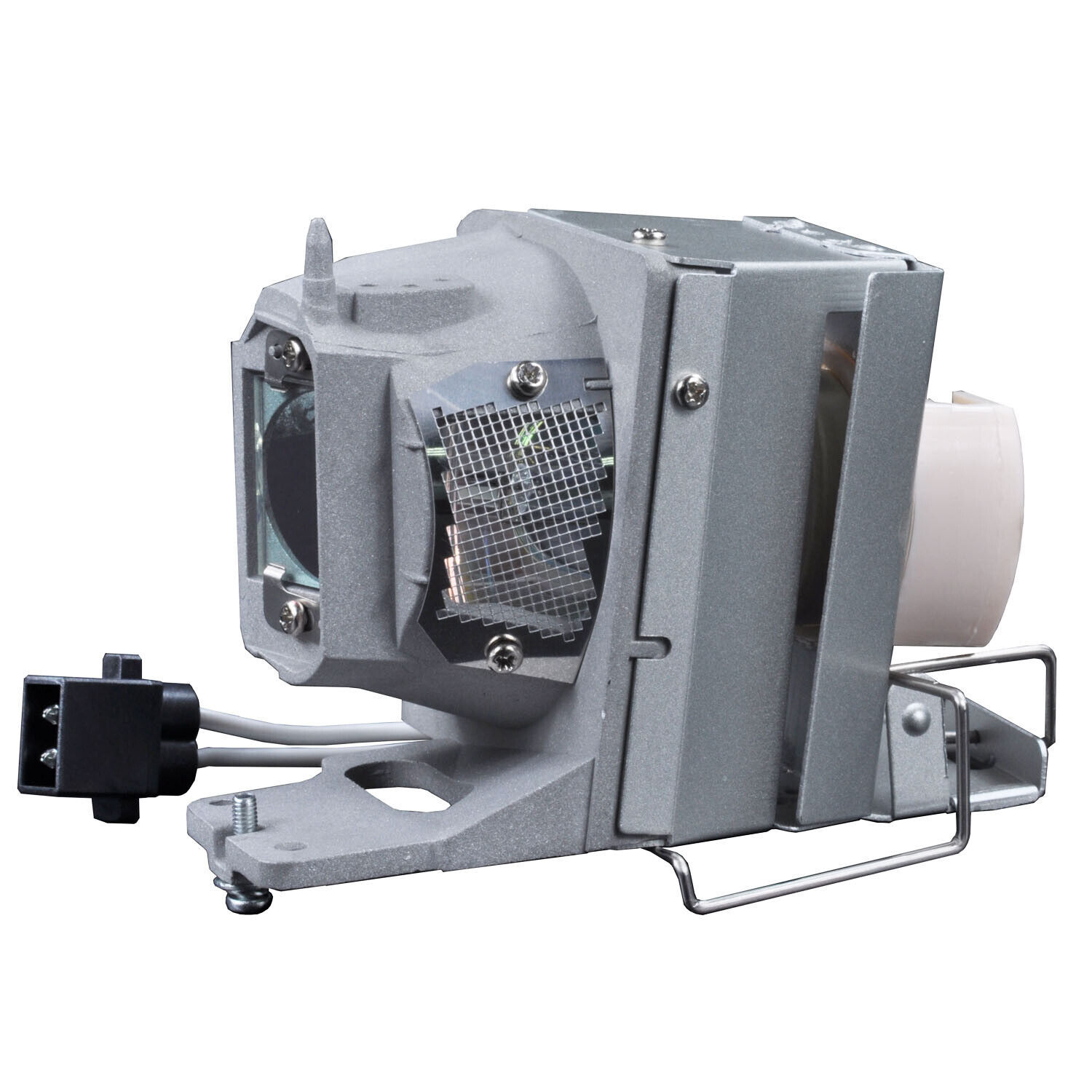
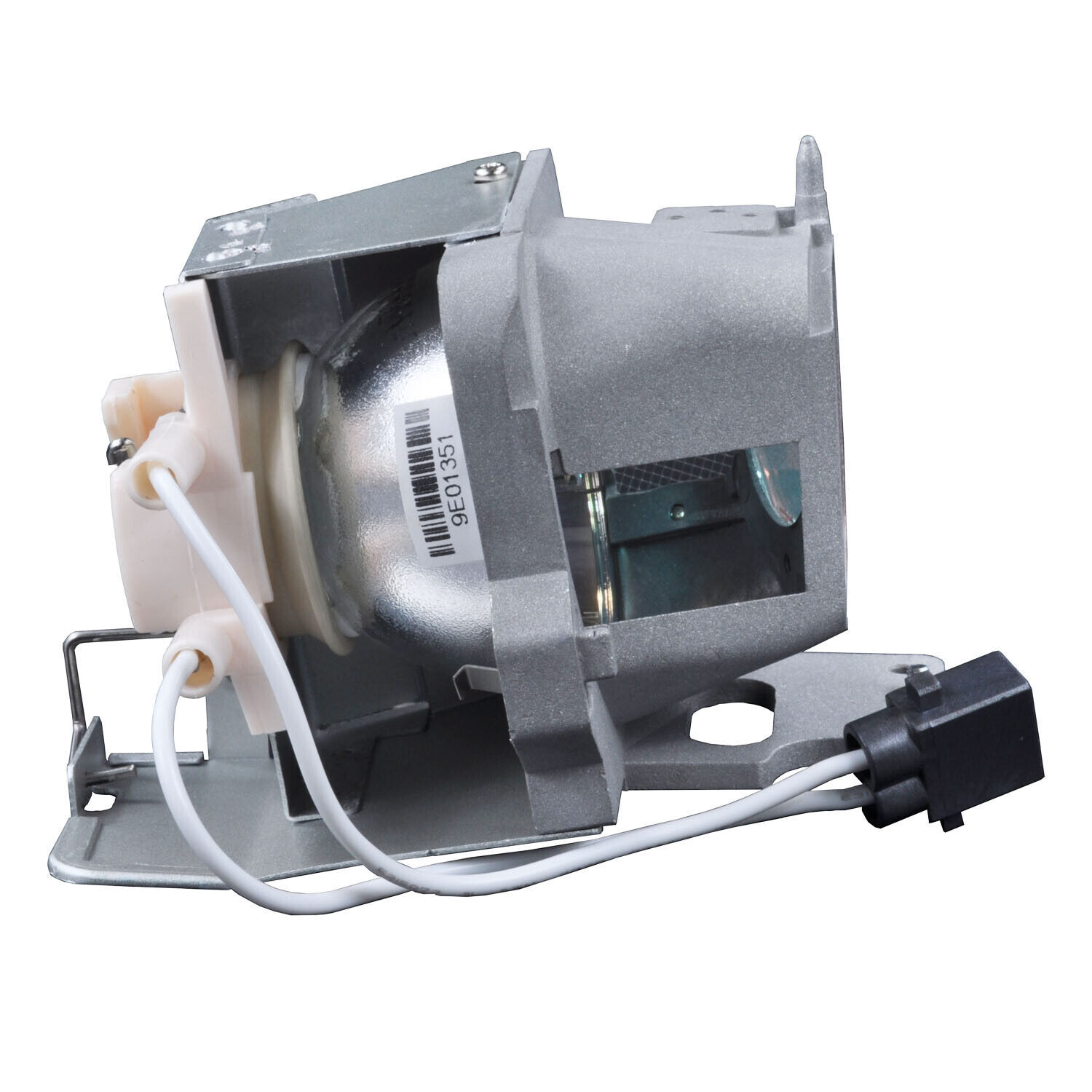
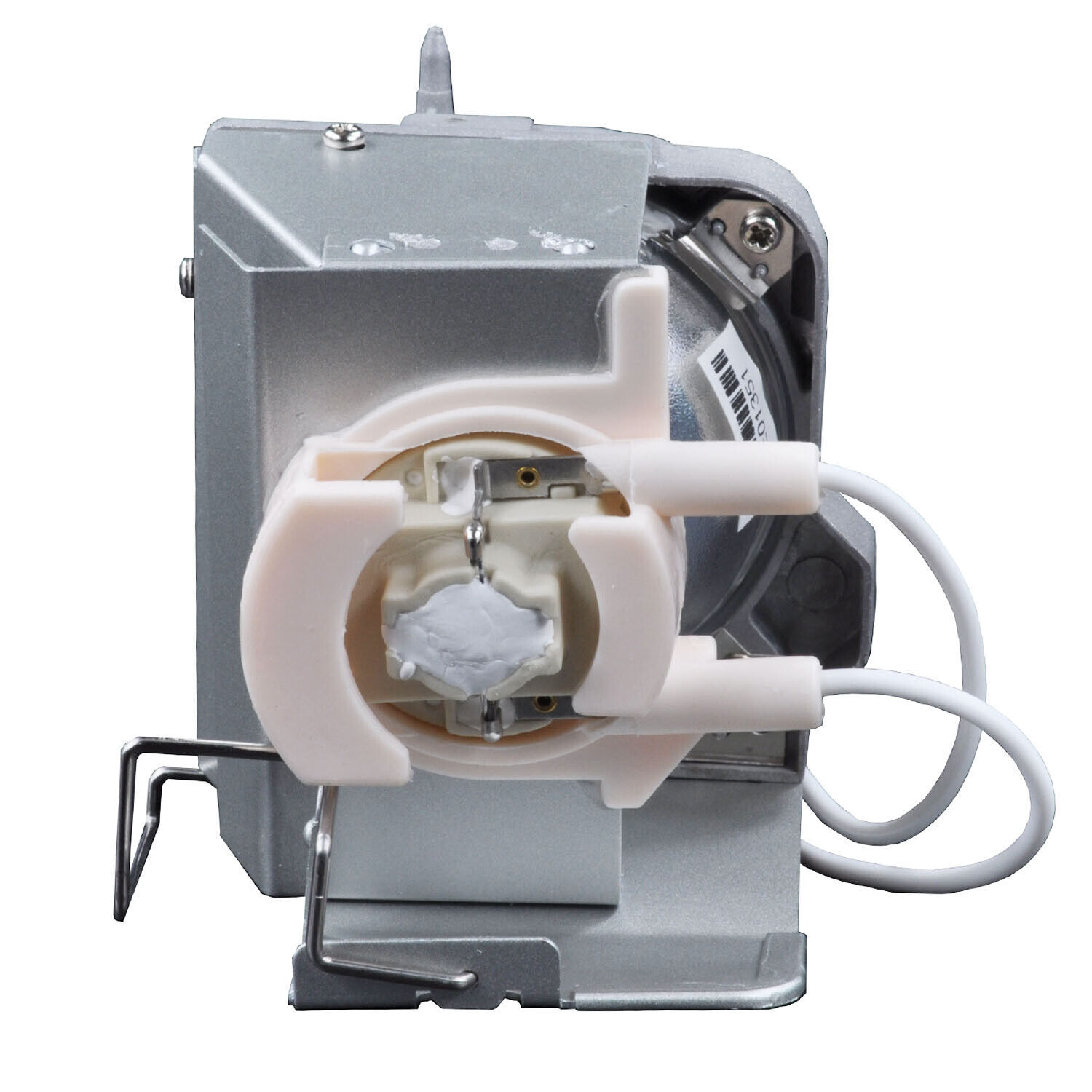
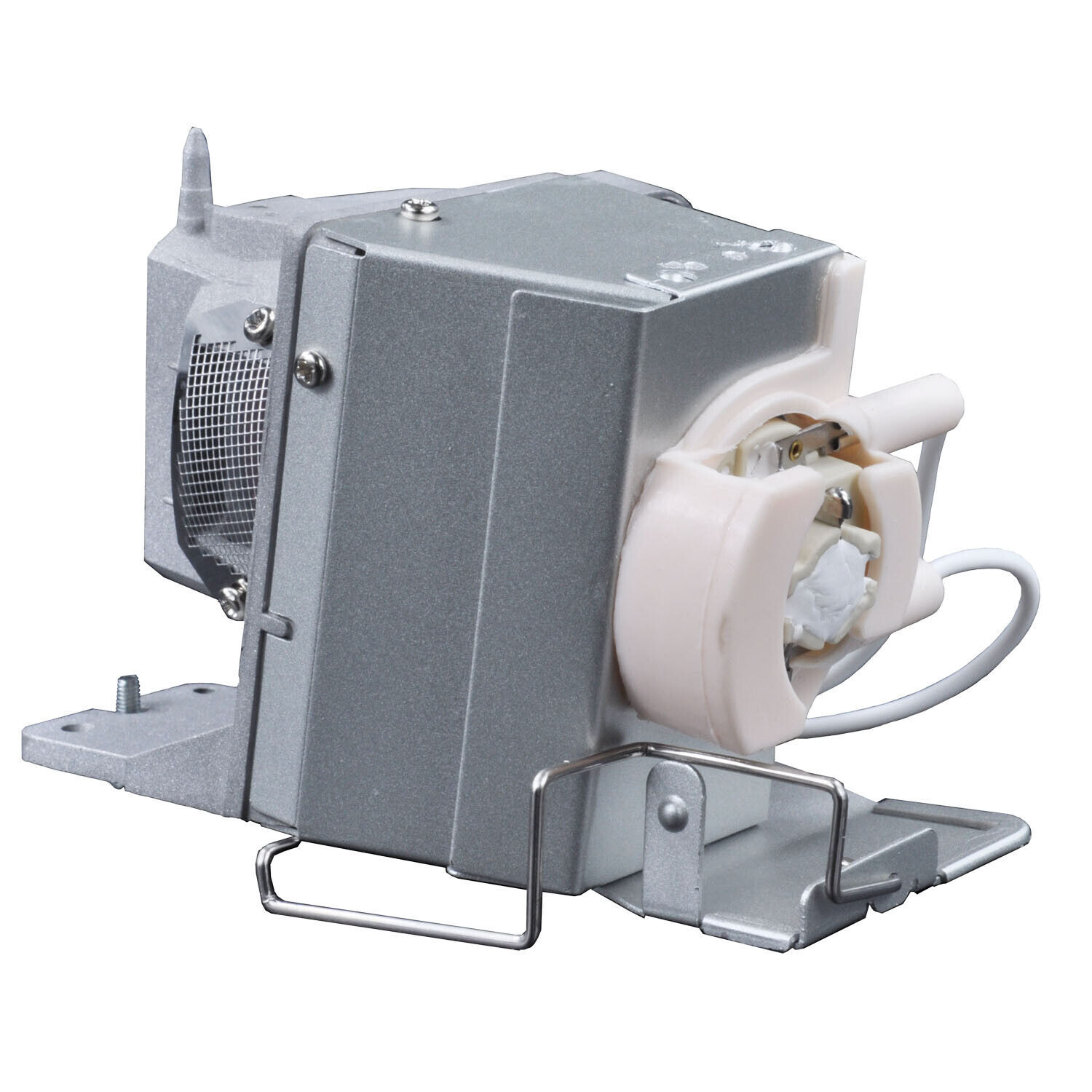
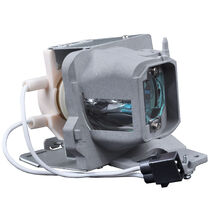
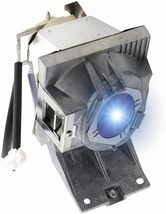
BL-FU240B Original Lamp W/Housing for OPTOMA UHD60,UHD65,UHD50,UHD51A,UHD40
Share & earn! Sign in, share this or any listing, and you’ll get commission when it sells.
Learn more

View full item details »

Shipping options

Return policy
Replacement product available within 90 days
Purchase protection
Payment options
PayPal accepted
PayPal Credit accepted
Venmo accepted
PayPal, MasterCard, Visa, Discover, and American Express accepted
Maestro accepted
Amazon Pay accepted
Nuvei accepted
View full item details »
Shipping options
Return policy
Replacement product available within 90 days
Purchase protection
Payment options
PayPal accepted
PayPal Credit accepted
Venmo accepted
PayPal, MasterCard, Visa, Discover, and American Express accepted
Maestro accepted
Amazon Pay accepted
Nuvei accepted
Item traits
| Category: | |
|---|---|
| Quantity Available: |
50 in stock |
| Condition: |
New |
| UPC: |
681441980795 |
| Type: |
Lamp with Housing |
| Compatible Brand: |
For Optoma |
| Brand: |
Unbranded/Generic |
| Model: |
BL-FU240B / SP.7AF01GC01 |
| MPN: |
BL-FU240B / SP.7AF01GC01 |
| Country/Region of Manufacture: |
China |
Listing details
| Shipping discount: |
No combined shipping offered |
|---|---|
| Posted for sale: |
More than a week ago |
| Item number: |
1444794026 |
Item description
Premium Replacement Projector Lamp
We are a Professional manufacture and supplier of light source for projection and stage with more than 10 years experience. we apply advanced optical technology to the projector light source. we are eager to take you into a high-definition bright and dynamic world.
Easy to Install
1. Turn off the power and wait for the projector to cool down at least 30 minutes.
2. Loosen the screws on the back cover of the projector and remove the cover.
3. Loosen the screws of the bulb, grab the handle and take out the bulb.
4. Clean the dust inside the projector and install the new bulb and tighten the screws.
5. Close the back cover and tighten the screws then enter the menu setting to restart the lamp usage time.
Extend the Life of the Lamp
1. Do not disconnect the power directly during use.
2. Each use lasts at least 3 minutes and do not exceed 4 hours each time.
3. Regularly clean the dust inside the projector and around the lamp, and replace the filter.
4. After turning off the projector, wait at least 60 minutes or the projector has cooled down before restarting
Lamp Part Number
BL-FU240B / SP.7AF01GC01
Compatible Projector Model
for OPTOMA UHD60 UHD65 UHD50 UHD51A UHD51 UHD40 UHD300X UHD550X UHD400X
|
Why are we showing these items?
Booth
galaxy1234's booth |

|

-
Refine your browsing experience
We can show you more items that are exactly like the original item, or we can show you items that are similar in spirit. By default we show you a mix.

This item has been added to your cart
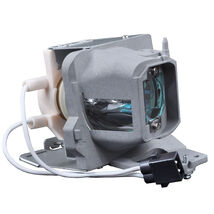 BL-FU240B Original Lamp W/Housing for OPTOMA UHD60,UHD65,UHD50,UHD51A,UHD40 added to cart.
50 available in stock
BL-FU240B Original Lamp W/Housing for OPTOMA UHD60,UHD65,UHD50,UHD51A,UHD40 added to cart.
50 available in stock
View Cart or continue shopping.
 Please wait while we finish adding this item to your cart.


Get an item reminder
We'll email you a link to your item now and follow up with a single reminder (if you'd like one). That's it! No spam, no hassle.
Already have an account?
Log in and add this item to your wish list.


